
Why You Need a Design System, and Why AI Just Made It More Urgent
A design system is three layers of tokens plus guardrails. What it's made of, when you need one, and why AI agents make building it first more urgent.
On this page
Out of everything I’ve picked up across my career, a design system sits near the top of the list of things that actually mattered.
The first time I ran into one properly, I was blown away. Or maybe my OCD just got triggered seeing something that sophisticated at work. I tried to add a random background color prop to a div and the system wouldn’t let me. My first reaction was, honestly, wtf is this.
The engineer who built that system, Sudhir Mitharwal, who mentored me and is still one of the people I look up to when I’m writing software, sat me down and walked me through it. I asked him why I couldn’t just add the prop I wanted. He told me that’s the rule a design system runs on, it gives you guardrails on what to use and what not to touch while you’re working with UI. I asked why again, because “that’s the rule” wasn’t good enough for me. He told me the moment you start writing your own colors and your own abstractions, just because the system doesn’t already have what you want, is the exact moment you start writing tech debt while shipping your “clever” code to hit a deadline.
That answer has stuck with me longer than almost anything else I learned early on.
What a Design System Is Actually Made Of
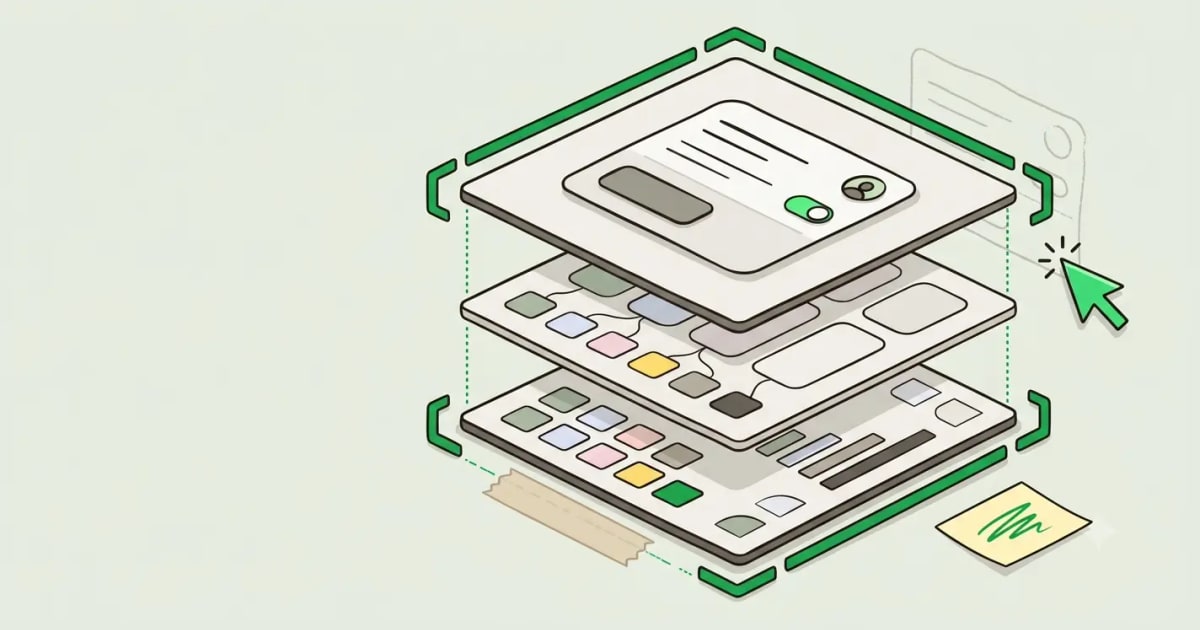
Strip a design system down and it’s usually three layers, stacked on top of each other.
Primitive tokens are the skeleton. Plain values, colors, spacing units, radii, with no meaning attached yet:
const primitives = {
  color: { gray900: '#171717', gray100: '#f5f5f5', blue600: '#2563eb' },
  space: { 1: 4, 2: 8, 3: 16, 4: 24 },
  radius: { sm: 4, md: 8, lg: 16 },
}
Semantic tokens are the blood and flesh over that skeleton. They’re named for what they mean, not what they are, and they just point back at the primitives:
const semantic = {
  color: {
    textPrimary: primitives.color.gray900,
    surfaceDefault: primitives.color.gray100,
    brandPrimary: primitives.color.blue600,
  },
}
Rebrand tomorrow and you change blue600 once. Every brandPrimary reference updates on its own. Nobody touches a single component.
Component tokens are the skin, the thing a component actually reaches for:
const button = {
  background: semantic.color.brandPrimary,
  paddingX: primitives.space[3],
  radius: primitives.radius.md,
}
A Button component only ever reads from button. It never reaches back into semantic or primitive tokens directly. Every layer only knows about the layer directly beneath it, that’s the whole point.
What Happens Without One?
By the time I got to Cashbook, this system already existed, built by Sudhir. Working inside a system someone else built takes more effort than working without one, at least at first, you’re learning where things live instead of just inventing your own. But it paid back every bit of that early effort. After Cashbook, I rarely walked into a company that already had this running in its codebase.
The next place I worked, I got assigned to a project split across three different repositories, all of them looking almost exactly the same, mostly working the same too. The duplication and inconsistency across that poly-repo setup was the kind of thing that makes you want to pull your hair out just from reading the code.
Teams think they need a design system the moment the UI starts looking inconsistent. That’s not actually the moment you need one, that’s the moment you finally notice you needed one eighteen months ago, and trust me, very few teams are thinking about it before that point.
I asked them to restructure it. They said no, the first time. So I put together a proper document on why the team needed it and why it had to happen now, not a few months down the line. That got me into three separate stakeholder meetings before I got the approval. We pulled in a designer from a different team, and the whole restructuring plus a real design system took a couple of months to land. It was worth every bit of the hassle. After that, we stopped fixing the same UI bug three times across three repositories.
When You Actually Need One?
The real signal that you need a design system isn’t how messy the UI looks. It’s the moment two or more people are making decisions about how the same kind of component should look. One person can maintain a codebase without a formal system just fine, they’re carrying all the context in their head. The second a second developer joins, the codebase starts drifting. A few months later you’ve got three versions of the same card component and nobody’s sure which one is the real one.
A team of one or two people can get away without a system for a while this way. The moment you add a second team, a second product, or a designer who isn’t in every engineering conversation, that stops working. Nobody notices the drift until a customer or a new hire asks why the same component looks slightly different on two screens, and by then you’re not looking at a quick fix, you’re looking at a rewrite.
If you already know your software is going to scale to a team, build the system early. It won’t take nearly as long as it used to, now that AI is in the picture.
This Time, I Was the One Writing the Rules
Everything up to this point was me working inside systems other people built. On the ZenTrades rewrite, I built one from scratch, with vanilla-extract and sprinkles instead of Tailwind: base primitives, Box, Stack, Text, Button, tokenized the same way, documented in Storybook, accessible by default so nobody has to remember to bolt on an aria label every time.
At Cashbook, working inside an existing system meant I spent real time upfront just finding what was already there before I could add anything. Once I had that map in my head, adding a feature or a whole new screen got easy, fast, because the architecture was already doing the heavy lifting. I just had to put the right thing in the right place.
The honest version of “design systems improve velocity” isn’t that you build faster on day one. It’s that you stop re-deciding things that were already decided. A new screen stops being a hundred small visual judgment calls and becomes assembly. QA shrinks too, because the primitives are already tested, so what’s left to test is the feature logic, not whether a button renders right on mobile. None of that shows up in week one. It shows up in month six, when a team without a system is still arguing about what “muted” means, and a team with one is just building.
Why This Matters More With an Agent in the Room
Most of us are working with AI agents in our daily workflow at this point, and you’ve probably already seen the amount of slop they can generate, partly because a lot of these subscriptions are priced so the vendor earns more the more tokens you burn. It’s almost funny, AI was supposed to come for everyone’s job, and now it’s showing up as an extra line item most teams have to budget for. I know it has real potential to take jobs from junior and mid-level engineers, or just as easily the other way around, if a company cares more about cutting costs than investing early in actually building something good. But it isn’t taking every job, not for a few years at least, maybe less. Who knows where this actually heads.
What I do know is that a stricter system with real guardrails on your codebase cuts down the slop an agent produces, gives you better output, and leaves you with a lot less tech debt to deal with later.
Build the design system before you hand UI work over to an agent, not after you’ve already seen what it does without one.